Most sellers manage Amazon PPC the same way whether they’re spending $2,000 a month or $200,000 a month. That’s the problem. Amazon PPC management at scale requires different budget rules, different bid logic, and different reporting cadence than a small account running three campaigns.
We’ve worked with FBA brands moving from five-figure to six-figure monthly ad spend, and the accounts that scale profitably all share the same operational discipline. This guide breaks down exactly how we structure Amazon PPC management for 2026, including budget allocation, ACOS targets by product stage, and the automation rules that keep spend under control as campaigns multiply.
What you need before you start

Before touching bids or budgets, you need clean data. That means at least 30 days of campaign history with consistent listings (no major title, image, or price changes mid-test). Without a stable baseline, every optimization decision is guesswork.
You also need access to Amazon’s Search Query Performance report and Brand Analytics, not just the standard campaign manager view. These reports show you search-term level conversion data that the default PPC dashboard hides. If you’re managing spend above $20,000 a month, a bulk operations tool (Helium 10 Adtomic, Perpetua, or Amazon’s own bulk sheets) becomes mandatory, since manual bid changes across hundreds of keywords are not sustainable.
Finally, decide on your reporting rhythm before you start. Weekly reviews work for accounts under $10,000/month in spend. Above that, you need daily dayparting checks and a weekly deep dive, or you’ll miss budget-cap issues that cost you sales during peak hours.
Step 1: Audit your current campaign structure
Most accounts we inherit have campaign sprawl: dozens of auto campaigns overlapping with manual campaigns targeting the same keywords, cannibalizing each other’s impression share. Start by pulling every active campaign into one spreadsheet with spend, sales, ACOS, and impressions for the last 60 days.
Flag any campaign with fewer than 10 clicks in that window. These aren’t generating enough data to optimize and are usually just draining budget from campaigns that work. In one account we reviewed, 40% of active campaigns had under 5 clicks in 60 days, meaning nearly half the “portfolio” was dead weight.
Next, check for keyword overlap between auto and manual campaigns. If your manual exact-match campaign is bidding on “stainless steel water bottle” and your auto campaign is also matching that term, you’re competing against yourself in the auction. Negative-match the auto campaign for any keyword already running in a manual campaign.
Step 2: Rebuild structure for scale

A structure that works at $5,000/month breaks at $50,000/month. As spend grows, you need granularity to control performance at the keyword level, not just the campaign level. We use a tiered structure: Discovery, Performance, and Defense.
Discovery campaigns are broad and auto-targeting, built to surface new search terms. Performance campaigns are exact-match, built around keywords already proven to convert from Discovery data. Defense campaigns target your own brand terms and competitor ASINs to protect market share on your product pages.
Each tier gets its own budget bucket. As a rule, we allocate roughly 20% of spend to Discovery, 60% to Performance, and 20% to Defense once an account matures past the launch phase. This ratio shifts early in a product’s life, when Discovery needs a bigger share to find converting terms.
Step 3: Set budget allocation rules by product stage
Every ASIN in your catalog is at a different lifecycle stage, and your PPC management should reflect that. A product launched 30 days ago needs a different budget logic than a top seller that’s been converting for two years.
For new launches, we run higher budgets with looser ACOS tolerance for the first 4-6 weeks. The goal isn’t profitability yet, it’s ranking velocity and review generation. For established bestsellers, budgets should be tighter and ACOS targets stricter, since the organic ranking is already doing heavy lifting and PPC just needs to defend the top slots.
For declining or seasonal products, cut Discovery spend entirely and run Defense-only campaigns to protect existing rank without wasting budget on new-term testing that won’t pay off before the product cycles out.
Step 4: Set ACOS targets that match your margin structure
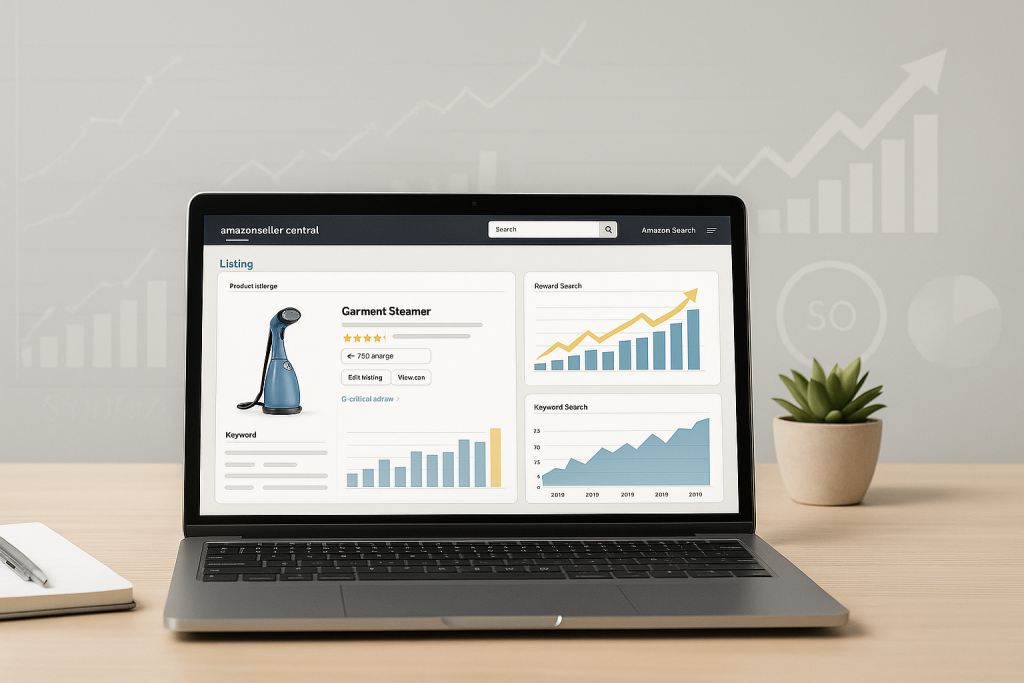
A single blanket ACOS target across your whole catalog is one of the most common mistakes we see in Amazon PPC management. Your break-even ACOS depends on your margin structure, and that number changes by product, not by account.
Calculate break-even ACOS as: (price – COGS – FBA fees – referral fee) / price. A product with 40% margin can tolerate a much higher ACOS than one with 15% margin before it becomes unprofitable. We build a margin sheet for every SKU and set individual ACOS ceilings rather than a single account-wide target.
For growth-stage products where the goal is ranking and market share, we’ll accept ACOS above break-even for a defined window, usually 60-90 days, with a hard stop if it doesn’t convert to organic rank improvement. If you want a deeper breakdown of how we calculate these thresholds, our Amazon PPC management service page covers the exact framework we use with client accounts.
Step 5: Automate bid management without losing control
At scale, manual bid adjustments across thousands of keywords isn’t just inefficient, it’s impossible to do consistently. But full automation without guardrails is just as risky. Bid algorithms optimize for short-term ACOS and will happily bleed impression share on high-value keywords if you let them run unsupervised.
We set automation rules with hard floors and ceilings: minimum bid to maintain top-of-search visibility on hero keywords, maximum bid cap based on the break-even ACOS calculated in Step 4. Inside those bounds, let the algorithm adjust daily. Outside those bounds, it needs human review.
Dayparting is the other lever most accounts ignore. If your conversion rate drops 30% overnight but your bids stay flat, you’re overpaying for clicks that won’t convert. We schedule bid reductions during low-conversion windows (typically 12am-6am for most US categories) and increases during peak buying hours, which for most home and lifestyle categories fall between 6-9pm local time.
Step 6: Scale winning campaigns systematically
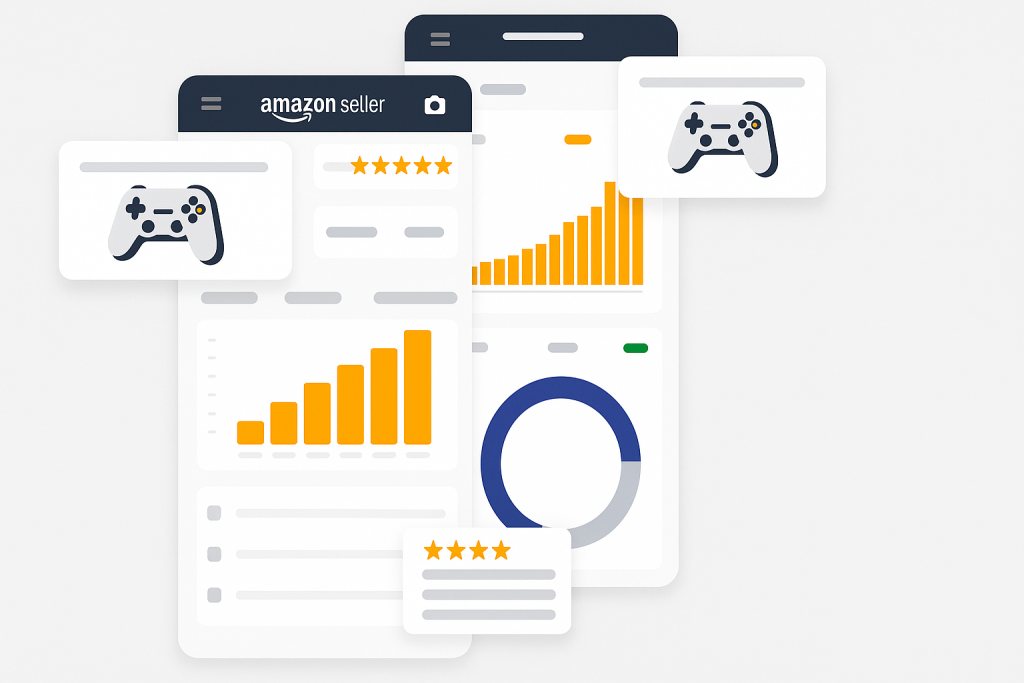
Once you’ve identified campaigns hitting target ACOS with consistent conversion, the instinct is to double the budget overnight. Don’t. Sudden budget jumps push you into new audience segments and bid ranges that haven’t been tested, and performance often degrades right when you scale.
We increase budgets in 20-30% increments every 5-7 days, watching ACOS and conversion rate at each step. If performance holds, scale again. If ACOS climbs more than 15% above target, hold the budget flat for another cycle before increasing further.
This is also the point where Sponsored Brands and Sponsored Display start pulling real weight. Once Sponsored Products campaigns are optimized, we typically shift 15-25% of total PPC budget into Sponsored Brands for market share defense and Sponsored Display for retargeting cart abandoners and competitor page visitors. Our listing optimization guide covers how strong creative assets make this cross-format scaling far more effective, since Sponsored Brand and Display formats lean heavily on lifestyle imagery and video.
Common mistakes (and how to avoid them)
- Chasing ACOS instead of profit: A campaign at 25% ACOS on a 50% margin product is more profitable than one at 15% ACOS on a 20% margin product. Optimize for contribution margin, not the ACOS number alone.
- Ignoring search term reports for weeks: Wasted spend on irrelevant search terms compounds fast. Review and negative-match at least weekly, especially on auto campaigns.
- Scaling budget and structure at the same time: Changing campaign structure and budget simultaneously makes it impossible to know which change caused a performance shift. Change one variable at a time.
- Letting Amazon’s suggested bids run unchecked: Amazon’s default bid suggestions are calibrated for Amazon’s revenue, not your margin. Always override with your own break-even calculation.
- Treating all keywords equally: A handful of keywords typically drive 70-80% of PPC sales in most accounts. Those keywords deserve daily attention; the long tail can be reviewed weekly.
Wrapping up
Amazon PPC management in 2026 rewards accounts that treat budget, structure, and ACOS targets as interconnected levers rather than isolated settings. The sellers scaling profitably aren’t running more campaigns, they’re running fewer campaigns with tighter control and clearer rules for when to push spend and when to hold back.
If you’re managing five or six figures in monthly ad spend and want a structured audit of where budget is leaking, the Zonpal team runs full PPC account reviews for FBA brands scaling past their current plateau. Get in touch and we’ll walk through your account structure together.