
Most people who ask how to start Amazon FBA get one of two answers: an oversimplified “just pick a product and go” or a 10,000-word course pitch. Neither helps you get through the actual first 90 days, when most of the real decisions and mistakes happen. This guide walks through what a realistic first-90-days path looks like, based on how sellers actually launch products on Amazon today.
We’re not going to tell you FBA is passive income or that you’ll be profitable by week two. What we will give you is a grounded, step-by-step sequence: what to do in month one, month two, and month three, plus the mistakes that derail most new sellers before they ever get a sale.
What you need before you start
Before you touch product research, get three things in order. First, capital. A realistic starting budget for a single FBA product, including inventory, Amazon fees, and basic advertising, sits somewhere between $3,000 and $10,000 depending on the category and unit cost. Sellers who start with $500 to $1,000 usually run out of cash before their second inventory order lands, which kills momentum right when the listing starts gaining traction.
Second, time. Expect to spend 10 to 15 hours a week during your first 90 days on research, supplier communication, listing setup, and monitoring. This isn’t a “set it and forget it” business in the early stage, even though it becomes more hands-off later once systems are in place.
Third, an Amazon Seller Central account under the Professional plan ($39.99/month), a registered business entity (LLC or equivalent in your country), and a UPC/barcode source if your product doesn’t already have one. Skipping the business entity step is common among first-time sellers and it creates tax and liability headaches later, so we’d recommend setting it up before you list your first product, not after.
Days 1 to 30: Choosing your product and validating demand
The first month is entirely about not choosing the wrong product. This is the stage where sellers either build a foundation for a real brand or set themselves up for six months of slow, unprofitable sales.
Start with category filtering, not keyword brainstorming. Look for products priced between $20 and $50 (enough margin room after FBA fees), weighing under 2-3 lbs (to keep storage and fulfillment costs manageable), and with fewer than 500 reviews on the top 10 competing listings (a sign the niche isn’t saturated by entrenched brands with years of review history).
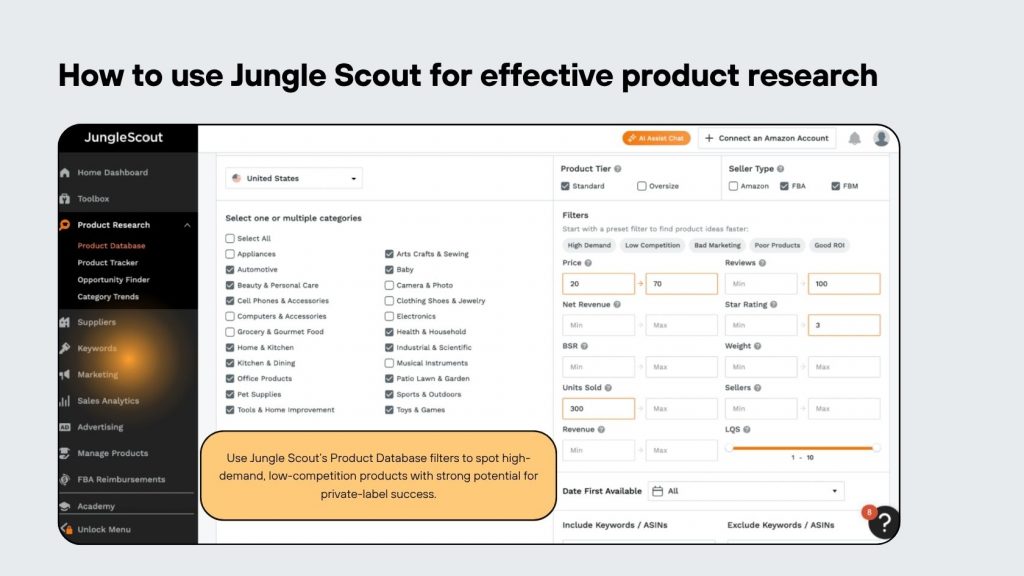
Use a tool like Helium 10 or Jungle Scout to pull estimated monthly search volume and sales data for your shortlist. You’re looking for keywords with at least 1,000 to 3,000 monthly searches and a reasonable click-to-conversion ratio in the category, not necessarily the highest volume term, which is often the most expensive to rank for.
A common trap here: sellers pick a product because they personally like it, not because the data supports demand. Demand validation always comes before personal preference.
By day 30, you should have a shortlist of 2-3 validated product ideas, each backed by search volume data, competitor review counts, and an estimated margin calculation after FBA fees, referral fees, and shipping. If you’re not confident reading this data on your own yet, this is exactly the stage where working with a product research service saves weeks of trial and error, since a second set of experienced eyes on the data often catches false positives that look promising on the surface but have thin real-world margins.
Days 31 to 60: Sourcing, ordering, and setting up your listing
Once you’ve committed to a product, month two is about turning that decision into physical inventory and a live listing. Start by reaching out to 5-8 suppliers on Alibaba or a trade show directory, not just one. Sellers who only contact a single supplier tend to overpay and have no leverage if quality issues surface later.
Request samples from your top 3 candidates before placing a bulk order. Expect to pay $50 to $150 per sample set including shipping. This step gets skipped more often than it should, usually because sellers are eager to save two weeks, and it’s the single most common cause of receiving a container of defective or mismatched product three months in.
Negotiate MOQ (minimum order quantity) down where possible. Many suppliers list an MOQ of 1,000 to 3,000 units by default, but for a first order, 300 to 500 units is a more realistic starting point that limits your downside if the product doesn’t perform as expected. You can always scale the order size once you have real sales data.
While your inventory is in production (typically a 20-40 day lead time), build your listing. This means:
- Writing a title with your primary keyword near the front, staying within Amazon’s character limits for your category
- Creating 7-9 product images, including at least 2-3 lifestyle shots showing the product in use
- Writing 5 bullet points that address the top customer questions and objections, not just features
- Setting up A+ Content if you’re brand registered, since listings with A+ Content typically see meaningfully better conversion than those without
Ship your inventory to Amazon’s fulfillment centers via a freight forwarder or Amazon Partnered Carrier, and set up your FBA shipment plan in Seller Central at least 10-15 days before your inventory is expected to arrive at origin port, since customs clearance and inland transport eat time you don’t always anticipate on a first shipment.
Days 61 to 90: Launch, first sales, and early optimization
Your listing is live and inventory is in FBA. Month three is about generating your first sales velocity and gathering the data you need to optimize.
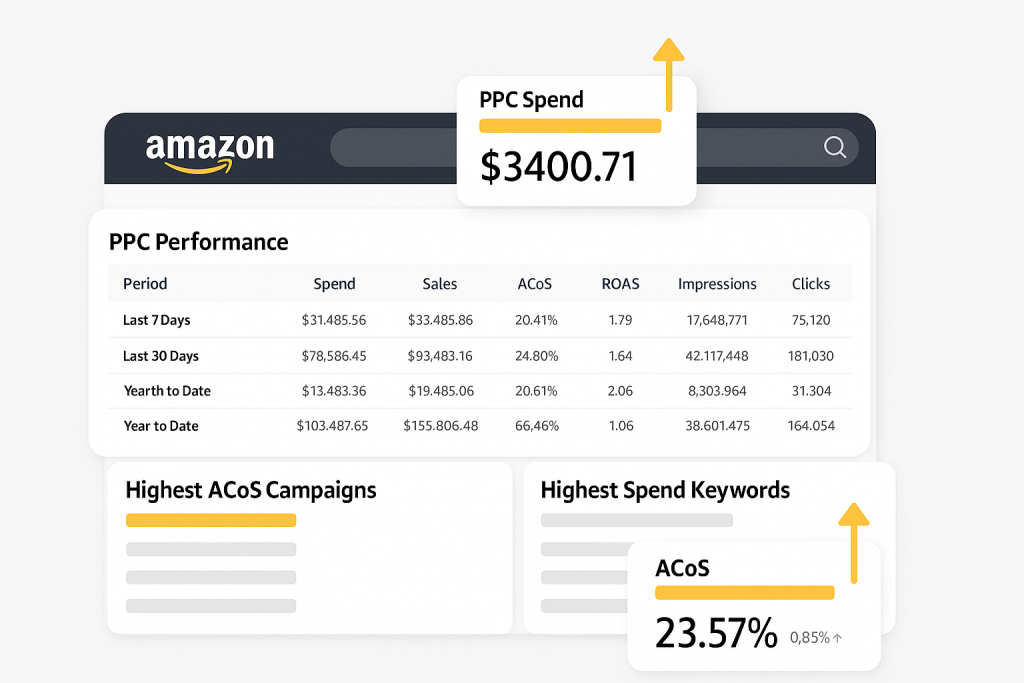
Launch a PPC campaign on day one of going live, not two weeks later. Amazon’s algorithm needs sales and click data to start ranking your listing organically, and paid traffic is the fastest way to generate that signal in the early stage. Start with automatic campaigns to let Amazon surface converting search terms you may not have anticipated, then layer in manual campaigns targeting your validated keywords from month one.
Budget for an ACoS (Advertising Cost of Sale) in the 30-50% range during this launch phase. This looks unprofitable on paper, and it often is in the short term, but the goal isn’t profit in week one. The goal is enough sales velocity and reviews to start ranking organically, at which point your reliance on paid traffic drops and your blended margin improves. If PPC feels overwhelming to manage while you’re also handling inventory and customer questions, our PPC fundamentals guide breaks down campaign structure in more detail.
Request reviews through Amazon’s built-in “Request a Review” button (the only review solicitation method that stays within Amazon’s terms of service). Aim for 15-25 organic reviews by the end of month three as a realistic benchmark for a new listing with modest but consistent sales volume.
Monitor your listing’s Session-to-Order conversion rate weekly. If it’s sitting well below the category average (often visible in your competitor research from month one), that’s usually a signal your images, pricing, or bullet points need revision, not that the product itself is a bad choice.
Common mistakes new sellers make in their first 90 days

A few patterns show up again and again with first-time FBA sellers, and most of them are avoidable with a bit of foresight:
- Underestimating total landed cost. Sellers price based on product cost alone and forget to factor in FBA fulfillment fees, referral fees, freight, and duties, only to realize their real margin is 8% instead of the 30% they projected.
- Ordering too much inventory too early. A 3,000-unit first order for an unvalidated product ties up capital for months if the listing underperforms, and storage fees compound the problem.
- Skipping brand registry. Sellers who don’t register their trademark with Amazon Brand Registry lose access to A+ Content, Sponsored Brands ads, and basic protection against hijackers, all of which matter in a competitive category.
- Ignoring the listing after launch. Treating the listing as “done” once it’s live means missing early conversion issues that a small image or bullet point tweak could fix within days.
- Chasing a trending product with no differentiation. Copying a competitor’s exact product without a meaningful improvement (better packaging, an added accessory, clearer instructions) usually results in a price war you can’t win against established sellers with lower per-unit costs.
None of these mistakes are fatal on their own, but stacked together they explain why so many first FBA products underperform in year one. The sellers who avoid most of this list usually spent more time on the research phase than they wanted to, and less time firefighting later.
Wrapping up
Starting Amazon FBA in a realistic 90-day window looks like this: 30 days validating a product with real data, 30 days sourcing and building a listing, and 30 days launching with paid traffic and gathering the reviews and conversion data that let you optimize with confidence. None of these steps are complicated on their own, but skipping or rushing any of them is where most new sellers lose money before they ever find their footing.
If you’re at the stage where you have a shortlist of product ideas but aren’t fully confident in the data behind them, that’s exactly where a second opinion pays for itself. Our team offers a product research service built for sellers who want to validate demand and margin before committing capital to inventory, and it’s worth a look before you place your first purchase order.