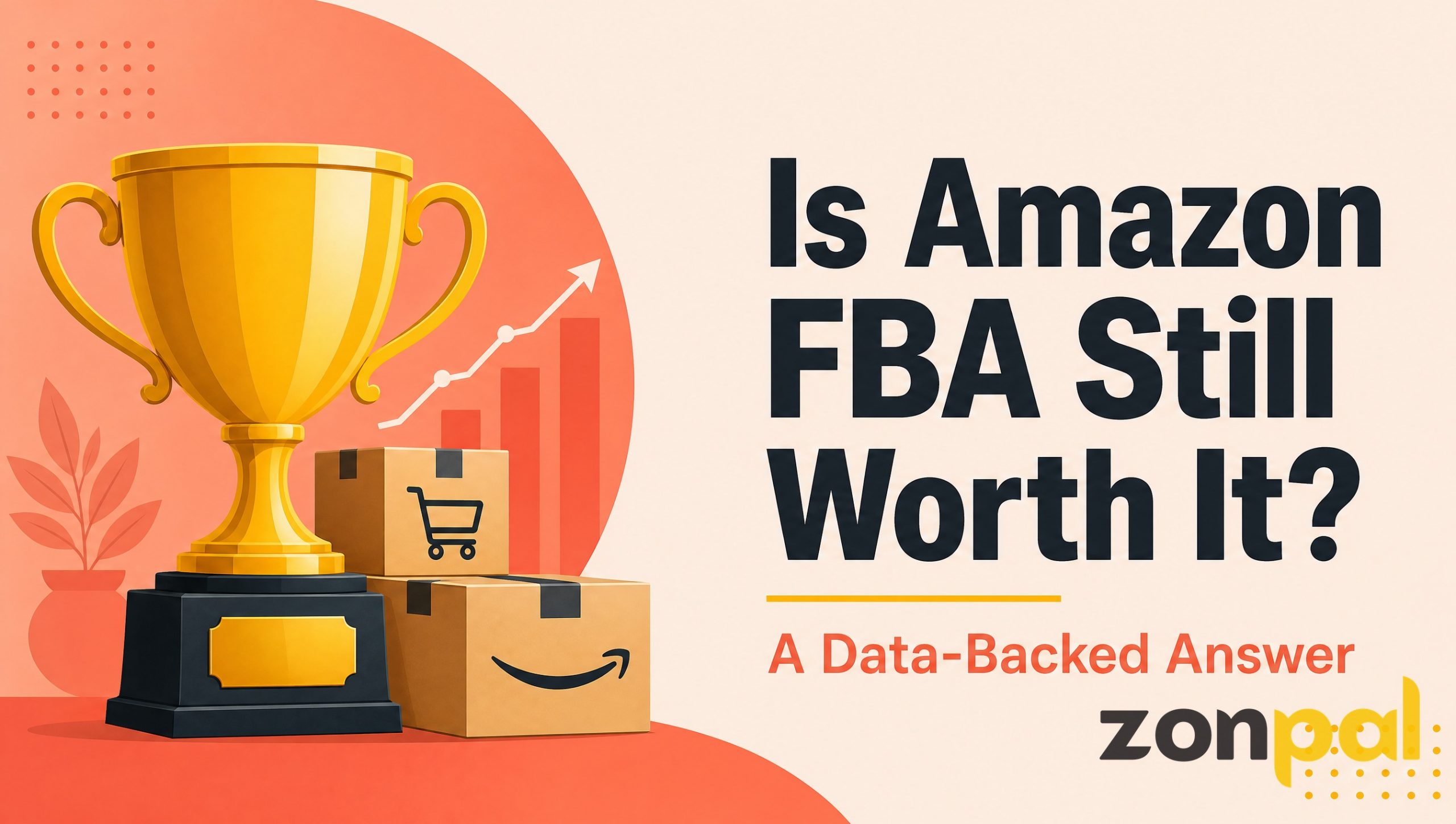
Most sellers understand FBA as “you send Amazon your inventory, and they handle shipping.” That is true, but it skips the part that actually determines whether your margins survive: what happens between the moment your boxes leave the factory and the moment Amazon charges your account for storing, picking, and shipping that inventory.
We have worked with 80+ brands across the US, UK, and Australia, and the sellers who scale profitably are the ones who understand FBA amazon operations well enough to make decisions, not just accept whatever Seller Central shows them. This article breaks down how the program actually works behind the scenes, and where the money quietly leaves your account if you are not paying attention.
What FBA on Amazon actually means
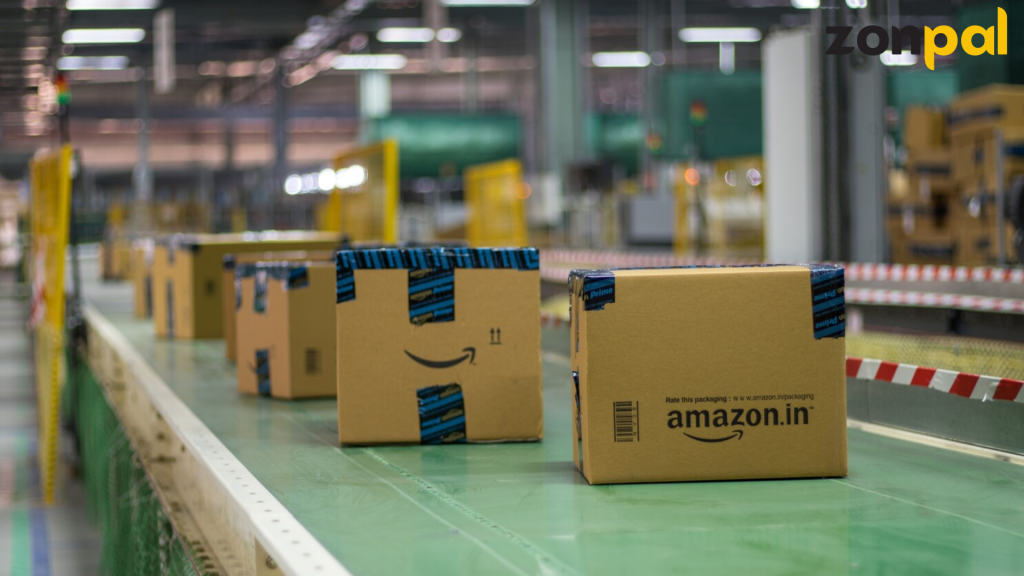
Fulfillment by Amazon, or FBA, is a service where you send physical inventory to Amazon’s network of fulfillment centers. Amazon stores it, and when a customer orders, Amazon picks the item, packs it, ships it, and handles customer service and returns for that order.
In exchange, Amazon charges fees: a fulfillment fee per unit shipped, a monthly storage fee based on the space your inventory occupies, and a handful of situational fees for things like removals, disposals, or long-term storage. This sounds simple on paper. In practice, the fee structure is layered enough that two sellers with the same product and similar sales volume can end up with very different net margins, purely based on how well they manage the FBA side of the account.
The part most new sellers miss is that FBA is not just a shipping method. It is an entire operating system that touches your cash flow, your inventory planning, your Buy Box eligibility, and your ability to run promotions. Understanding fba amazon mechanics at this level is what separates sellers who scale from sellers who plateau at six figures and cannot figure out why.
The journey of a unit: from your factory to a customer’s door
To understand where costs and risks actually sit, it helps to walk through what happens to a single unit of inventory, step by step.
Step 1: Inbound shipment creation. You create a shipping plan in Seller Central, telling Amazon how many units of which SKU you are sending, and in what packaging configuration. Amazon assigns your inventory to one or more fulfillment centers based on its own logistics algorithm, not based on your preference.
Step 2: Inbound placement. Since 2023, Amazon has charged an inbound placement fee if you ship all your inventory to a single fulfillment center instead of splitting it across the centers Amazon requests. This one change alone has reshaped how experienced sellers plan shipments, because splitting shipments across multiple warehouses adds freight cost but often saves more on the placement fee.
Step 3: Receiving and storage. Once Amazon checks in your inventory, it sits in a fulfillment center and accrues a monthly storage fee based on cubic footage. This fee is higher during Q4 (October through December) than the rest of the year, which is one reason inventory timing matters so much heading into the holiday season.
Step 4: Pick, pack, and ship. When an order comes in, Amazon’s system selects the nearest fulfillment center holding that SKU, picks the unit, packs it, and ships it, usually within Amazon’s Prime delivery promise window. This is the part customers see. It is also the smallest line item in the actual fee breakdown compared to storage and inbound costs for many sellers.
Step 5: Returns and reimbursements. If a customer returns the item, Amazon inspects it, restocks it if sellable, or disposes of it if damaged. Amazon’s reimbursement policy covers lost or damaged inventory in its warehouses, but only if you catch the discrepancy and file a case within the claim window, which is typically 18 months from the event.
Every one of these steps is a place where money can leak out quietly if nobody is watching the account. We have seen sellers lose thousands of dollars a year simply from unclaimed reimbursements they never noticed sitting in their inventory reports.
What Amazon actually charges you for
The FBA fee structure has three main components, and understanding each one changes how you price and plan inventory.
- Fulfillment fees: charged per unit, based on size tier and weight. A small standard-size item costs meaningfully less to fulfill than an oversized item, which is why product dimensions matter as much as the product itself when you are doing early-stage sourcing decisions.
- Monthly storage fees: charged per cubic foot of space your inventory occupies, billed monthly, and higher in Q4. This is where slow-moving SKUs quietly eat into profit month after month if you do not clear them out.
- Long-term storage fees: additional charges applied to units that have sat in a fulfillment center for over a year without selling. This fee exists specifically to push sellers to either discount, liquidate, or remove aging inventory rather than let it sit indefinitely.
On top of these, there is the referral fee, which is Amazon’s commission on the sale itself, generally somewhere between 8% and 15% depending on category. This fee applies whether you use FBA or fulfill orders yourself, so it is a separate line item from the FBA fees described above, but it is worth mentioning because sellers often lump all Amazon fees together and lose track of which lever actually controls which cost.
If you want a deeper breakdown of how these fees interact with product pricing decisions, our guide on product research covers how to model margins before you commit to a product, which is the moment these fee structures matter most.
Where sellers lose money without realizing it
After eight years of running Amazon accounts and reviewing dozens of others, a few patterns show up again and again.
The first is overstocking ahead of demand. Sellers order three or four months of inventory based on excitement after a good sales week, then get hit with storage fees for units that sit unsold for months. The fix is not complicated: forecast based on trailing 30 and 60-day velocity, not on your best week ever.
The second is ignoring reimbursements. Amazon’s warehouse operations are large and automated, and discrepancies happen: lost units, damaged units, incorrect fee charges. Sellers who audit their inventory reports quarterly recover money that would otherwise disappear. Sellers who never check simply eat the loss.
The third is underestimating inbound placement costs. Since the inbound placement fee changes, some sellers kept shipping everything to one warehouse out of habit, not realizing the fee was now working against them. A quick audit of your Seller Central shipment settings can reveal whether you are optimizing for the current fee structure or an outdated one.
The common thread across all three mistakes is the same: nobody is actively watching the account day to day. FBA rewards sellers who treat it as an ongoing operation, not a one-time setup you configure and forget.
How to apply this to your account today
If you are new to FBA amazon operations, start with three concrete actions this week.
First, pull your inventory age report from Seller Central and identify any SKU sitting past 180 days. Decide now whether to discount it, run a removal order, or leave it and accept the long-term storage fee, rather than letting the decision make itself by default.
Second, check your shipment settings against the current inbound placement fee structure. If you are still shipping 100% of inventory to a single fulfillment center, run the numbers on splitting shipments to see whether the freight cost increase is smaller than the placement fee savings.
Third, set a recurring calendar reminder, monthly is enough, to review your reimbursements report. This single habit alone has recovered five figures a year for some of the accounts we have worked with, simply because nobody was checking before.
None of these actions require new software or a big budget. They require someone paying attention to the account on a regular basis, which is exactly the gap that trips up most sellers once they get past their first few hundred orders.
Final thoughts
FBA is not a black box, even though Amazon’s fee reports can make it feel that way. Once you understand the actual mechanics, from inbound shipment to storage to fulfillment to reimbursements, you start seeing your account the way experienced operators do: as a system with levers you can pull, not a set of fees you passively accept.
If you are early in your FBA journey and want to understand how a team that has run this system across 80+ brands actually thinks about it, our team page walks through how we approach Amazon operations day to day, and how we have built our process around exactly the details covered in this article.