Health and wellness listings get suppressed more often than almost any other category on Amazon. A protein powder brand loses its buy box because a bullet point mentions “reduces inflammation.” A supplement listing gets flagged for using the word “cure” once in the description. We have seen this pattern repeat across dozens of accounts we have audited: the product is good, the reviews are strong, but the listing itself is a compliance liability.
This guide walks through how to optimize a health and wellness listing on Amazon without triggering suppressions, while still writing copy that actually converts. You will get a step-by-step process you can apply today, not just a list of “do’s and don’ts.”
Why Health & Wellness Listings Get Flagged More Than Other Categories
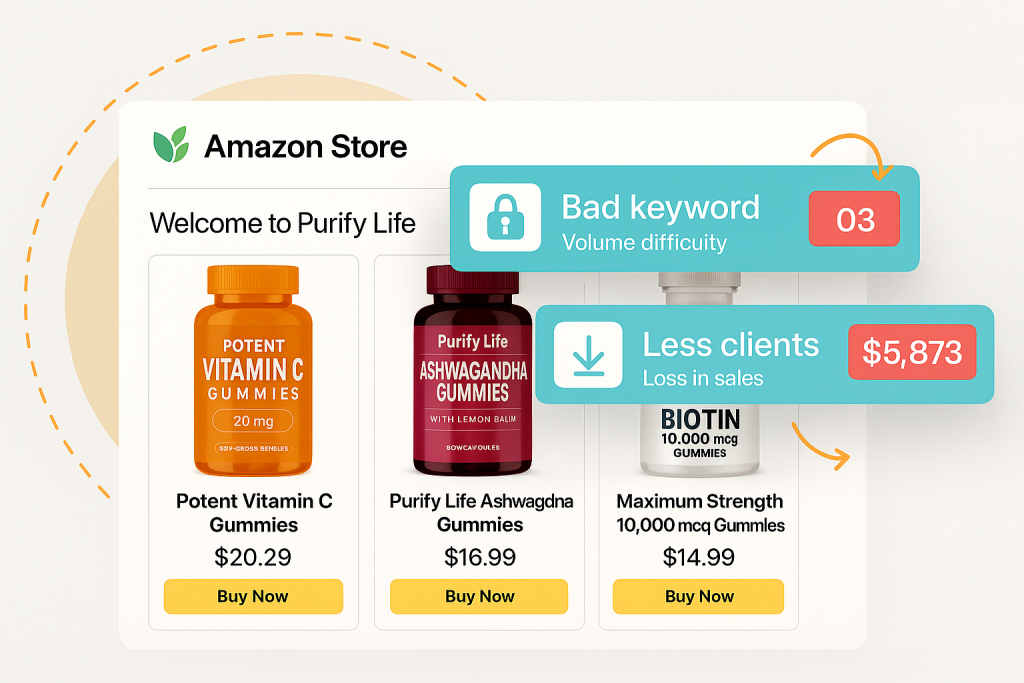
Amazon treats supplements, personal care, and medical device adjacent products differently from most categories. The platform runs automated keyword scans looking for disease claims, drug-like language, and anything that resembles an FDA-regulated statement. If your copy trips one of those filters, the listing can go inactive within hours, sometimes with no warning email until you notice the sales drop.
The categories most affected are supplements, vitamins, skincare with “active” ingredients, and any product marketed toward a specific health condition (joint pain, sleep, anxiety, blood sugar). Amazon’s Restricted Products policy for health-related items is broader than most sellers realize, and it changes without much public notice.
The practical takeaway: if you are in this space, compliance review needs to happen before you write conversion copy, not after. Trying to bolt compliance onto a finished listing usually means rewriting half of it anyway.
What You Need Before You Optimize a Health & Wellness Listing
Before touching your title or bullets, gather three things. First, pull Amazon’s current Restricted Products guidance for your specific subcategory (supplements, OTC, cosmetics, medical devices each have separate rules). Second, get your product’s actual label claims and any third-party certifications (NSF, USDA Organic, GMP-certified facility) since these are the claims you are legally allowed to lean on.
Third, check your current listing’s suppression history in Seller Central under Account Health. If you have had prior takedowns, Amazon’s system may already be flagging your brand for extra scrutiny, which means you need to be more conservative than a brand with a clean record.
We also recommend having a competitor teardown ready: pull the top 5 listings in your subcategory and note which specific words and claim structures they use that are still live. If a competitor’s listing has been active for over a year using certain phrasing, that phrasing has likely passed Amazon’s filters repeatedly.
Step 1: Audit Your Current Listing for Compliance Risk
Go line by line through your title, bullets, description, and backend search terms. Flag any word that implies treating, curing, preventing, or diagnosing a condition. This includes indirect phrasing like “supports healthy blood pressure” if your product has no clinical substantiation for that claim, or “relieves joint pain” without a drug facts panel to back it.
We worked on an account selling a magnesium supplement where the word “insomnia” appeared in a bullet point. The listing had been live for eight months with zero issues, until Amazon’s automated scan updated and suppressed it overnight. The fix was a one-word swap to “supports restful sleep,” which is a structure/function claim the FDA allows for supplements, and the listing was reinstated within 48 hours.
Run this audit on every ASIN in your catalog, not just your bestseller. Amazon’s enforcement is inconsistent, so a listing that has not been flagged yet is not proof it is safe.
Step 2: Rewrite Titles and Bullets Without Making Medical Claims
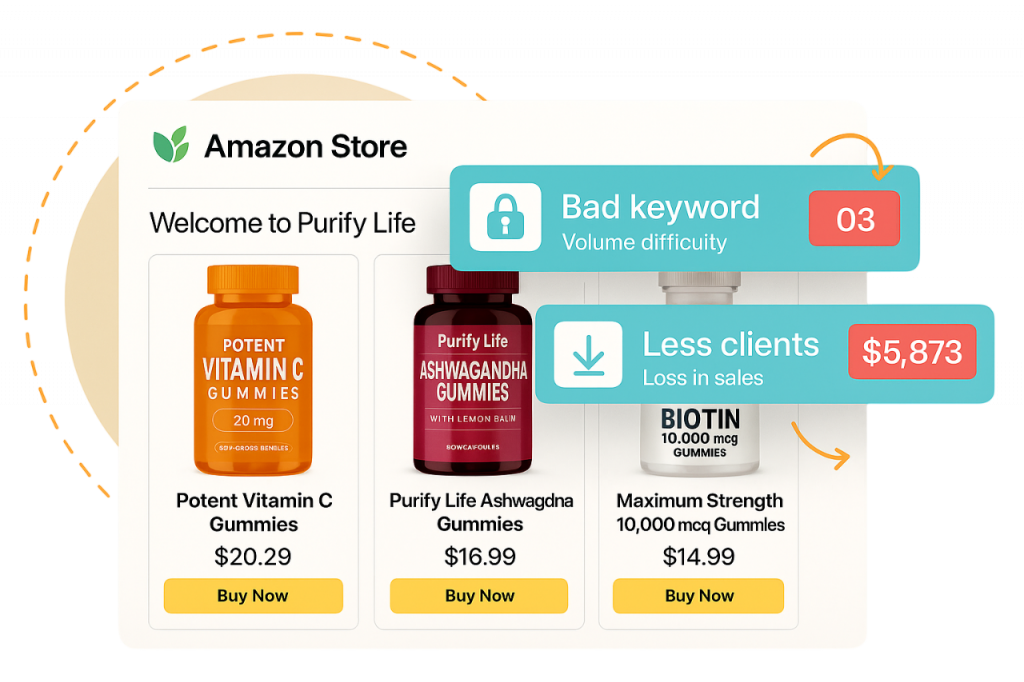
The skill here is writing copy that still converts while staying inside structure/function claim territory. Structure/function claims describe how an ingredient affects the body’s normal structure or function, without claiming to treat a disease. “Supports immune function” is allowed. “Boosts immune system to fight colds” is not.
Your title should lead with the product type and primary benefit using approved language, then include your key differentiator (third-party tested, non-GMO, made in the USA). For bullets, structure each one around a single benefit claim backed by an ingredient, followed by a secondary trust signal.
Example structure that has worked across several accounts we manage:
- Bullet 1: Lead ingredient + structure/function benefit (“Ashwagandha root extract supports the body’s natural stress response”)
- Bullet 2: Format and usage detail (capsule count, dosage, timing recommendation)
- Bullet 3: Quality and sourcing signal (third-party tested, GMP-certified facility)
- Bullet 4: Who it is for, described by lifestyle not condition (“designed for people with demanding schedules” instead of “for anxiety sufferers”)
- Bullet 5: Brand trust element (money-back guarantee, US-based customer support)
This keeps every claim inside allowed territory while still giving the shopper enough information to convert. If you need a reference for the required FTC disclaimer language on supplement listings, keep the standard “This statement has not been evaluated by the FDA” note visible in your description or images where applicable.
Step 3: Build Trust Signals Into Images and A+ Content
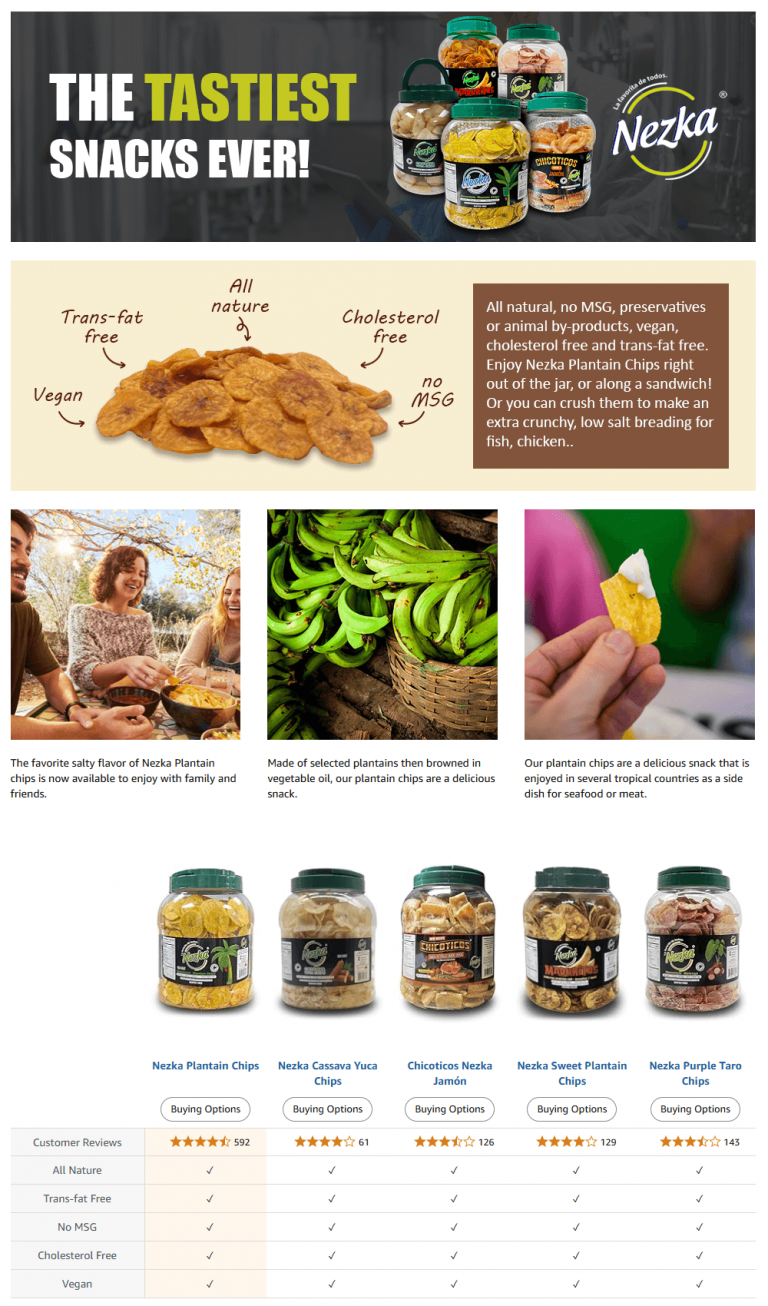
Health and wellness shoppers convert on trust more than almost any other category. Someone buying a phone case cares about price and looks. Someone buying a probiotic wants proof the brand is legitimate before they put it in their body.
Your image stack should include at minimum: a clean hero shot, an infographic showing ingredients with amounts, a lifestyle image showing realistic use, a certifications badge image (third-party lab tested, non-GMO, allergen-free), and a comparison chart if you compete against a well-known brand. A+ Content should go further with a “how it works” module and a brand story module that addresses sourcing and manufacturing standards.
One detail we see missed constantly: supplement facts panels shown in images must match the actual label exactly. Amazon and the FTC both scrutinize this, and a mismatch between image claims and physical label claims is one of the fastest ways to get a listing removed or, worse, trigger an account-level review.
Step 4: Handle Backend Keywords and Search Terms Carefully
Backend search terms feel invisible to shoppers, but Amazon’s compliance scans read them the same way they read your visible copy. Stuffing backend fields with condition-based terms like “diabetes,” “depression,” or “cancer prevention” is one of the most common reasons health listings get suppressed even when the visible copy is clean.
Instead, focus backend terms on synonyms, alternate spellings, and use-case language that stays inside structure/function territory. If your product is a turmeric supplement, backend terms like “curcumin capsules,” “joint comfort support,” and “anti-inflammatory herbs” are generally safer than direct condition names like “arthritis treatment.”
We recommend running your full backend term list through the same compliance checklist you used for your bullets. It takes an extra 20 minutes and can prevent a suppression that would otherwise take days to resolve.
Step 5: Monitor and Respond to Listing Suppressions Fast
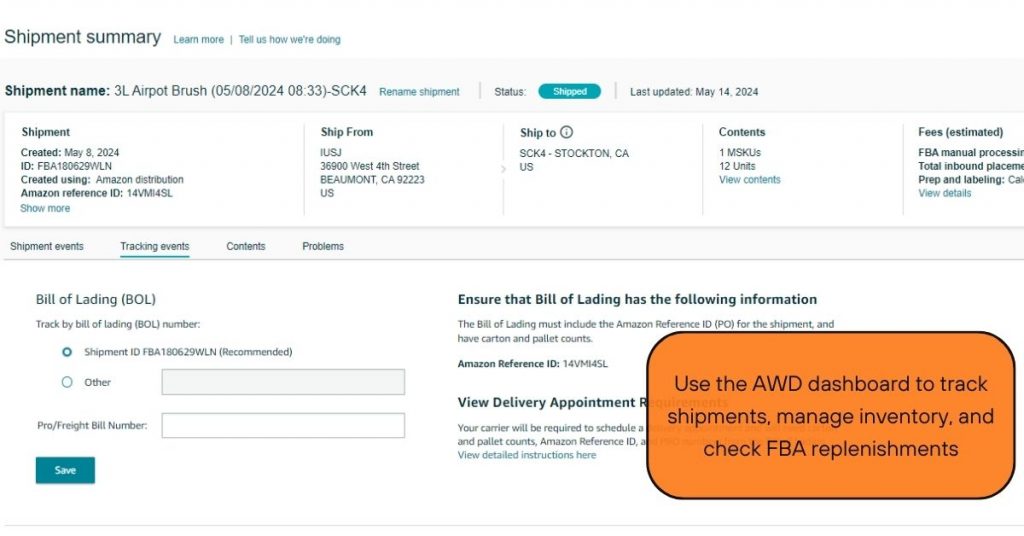
Even a fully compliant listing can get flagged by Amazon’s automated system, sometimes incorrectly. Speed of response matters more than most sellers realize: a suppression that sits unresolved for a week can cost you organic ranking that takes a month to rebuild.
Set up a weekly check on Account Health for any new compliance notices, and assign someone on your team (or your agency) to own this specifically. When a suppression happens, pull the exact policy violation cited, cross-reference your listing text against it, make the correction, and submit an appeal with a clear explanation of the change made.
For repeat offenses on the same ASIN, consider a full rewrite rather than a patch. Amazon’s systems seem to weight repeated flags on one listing more heavily, which can slow down future appeals even after you fix the issue.
Common Mistakes (and How to Avoid Them)
- Copying competitor claims without checking if they are still compliant. A competitor listing might be live today and suppressed next week. Verify claims against current FDA structure/function guidance rather than assuming a live listing means safe language.
- Treating compliance as a one-time task. Amazon updates its restricted keyword filters periodically without full public notice. Re-audit your top ASINs every quarter, not just at launch.
- Over-correcting into flat, generic copy. Some sellers get so cautious about compliance that the listing becomes vague and stops converting. The fix is specific language about ingredients, sourcing, and format, not vague claims about “wellness” and “health.”
- Ignoring backend search terms during audits. Visible copy gets all the attention while backend fields quietly carry the same risk.
- Not aligning label claims with listing image claims. Any mismatch between your physical supplement facts panel and your listing images is an easy target for a compliance review.
Wrapping Up
Health and wellness listings live in a narrower lane than most categories on Amazon. You can still write copy that converts, you just have to build it around structure/function claims, verified certifications, and trust signals instead of direct condition-based promises. Treat compliance as the foundation you write on top of, not an afterthought you clean up after a suppression.
If your account has had repeated suppressions or you are launching a new supplement or personal care line and want the listing built compliant from day one, our listing creation and optimization service is built specifically for cases like this. We also cover related PPC considerations for regulated categories in our Amazon strategy blog if you want to look at how compliance affects your ad approval process too.