Health supplement brands run into a version of Amazon PPC that most sellers never see. Half your best keywords get flagged before a campaign even goes live. Your ad gets disapproved for a claim you never wrote into the copy on purpose. And the keywords that would actually move volume, “weight loss,” “cure,” “immune boost,” sit on Amazon’s restricted list waiting to tank your account health if you touch them the wrong way.
We’ve managed PPC for supplement and wellness brands where a single disapproved ASIN pulled an entire campaign’s spend to zero overnight. This guide walks through how to build and run PPC campaigns for health supplements without triggering Amazon’s compliance filters, and how to still hit meaningful ACOS targets while you do it.
What you need before you start
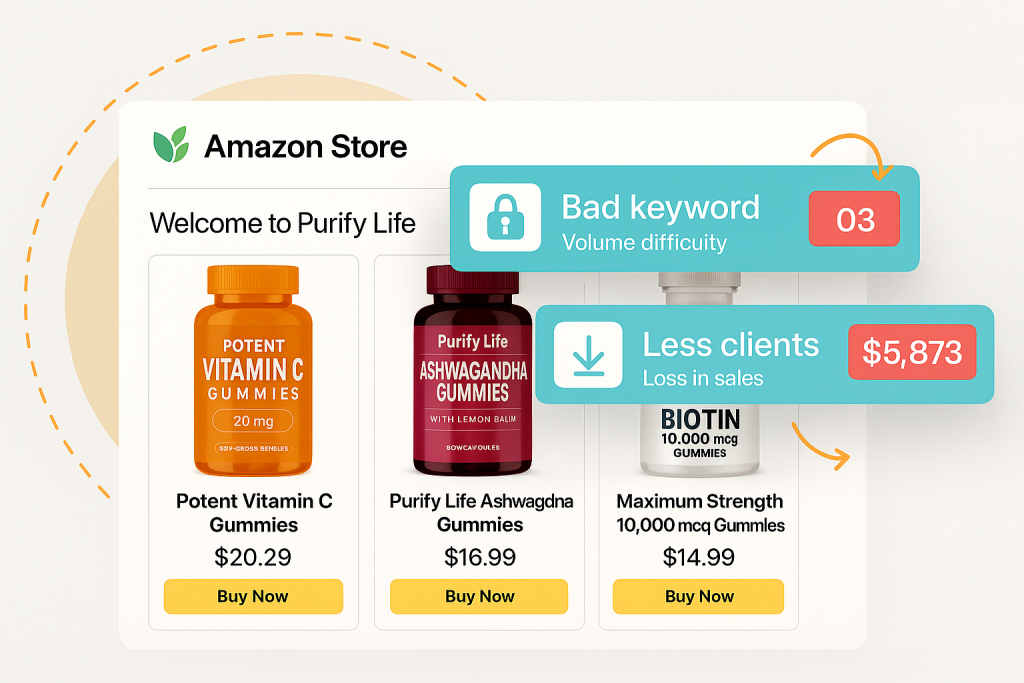
Before you touch Campaign Manager, get your listing compliance sorted. Amazon’s ad review system cross-checks your keywords against your listing content and your product category’s restricted terms list. If your bullet points or backend search terms already contain flagged language, your ads will get rejected regardless of how clean your PPC keyword list is.
You’ll need access to Seller Central’s Advertising console, a category-specific restricted keyword reference (Amazon publishes general guidance but supplement-specific terms shift often), and a copy of your current listing content pulled into a spreadsheet. We usually run a full listing audit before touching ad spend on any supplement account, because fixing the root cause in the listing saves weeks of disapproval cycles later.
You also need FDA-compliant claims language mapped out ahead of time. Amazon enforces its own restricted keyword policy, but for supplements it leans heavily on FTC and FDA disclosure standards. If your brand’s legal or compliance team hasn’t reviewed your marketing claims yet, do that before building keyword lists, not after your first campaign gets suspended.
Step 1: Audit your listing for compliance risk first
Pull every word from your title, bullets, description, and backend search terms into one document. Then run it against Amazon’s restricted products and keywords guidelines for the Health & Personal Care category. Look specifically for disease claims (“treats,” “cures,” “prevents”), unverified superlatives (“best,” “#1,” “guaranteed”), and structure/function claims that lack a required disclaimer.
In one account we managed, the listing bullet read “helps reduce anxiety and stress naturally.” That single phrase blocked ad approval on nearly a dozen otherwise clean keywords, because Amazon’s system flagged the ASIN itself as a compliance risk, not just the ad copy. We rewrote it to “supports a calm, balanced mood” and ad approvals cleared within 48 hours.
This step matters because Amazon doesn’t just review your ad text. It reviews the product detail page tied to the ASIN you’re advertising. Clean up the listing first, and a large share of your future keyword rejections disappear before you even build a campaign.
Step 2: Build your restricted keyword list
Once your listing is clean, build a working restricted keyword document specific to your subcategory. Supplements sit under multiple sensitive buckets depending on positioning: weight management, sexual health, sleep aids, mental health support, and joint/pain relief all carry different restriction tiers.
Search Amazon’s official Restricted Products policy for Health & Personal Care, then supplement it with what you learn from your own disapproval notices. Every rejected keyword in Campaign Manager comes with a reason code. Log those codes and the exact term in a running spreadsheet. Over a few months, this becomes your brand’s actual restricted keyword map, which is often more accurate than Amazon’s published guidance because it reflects how the algorithm treats your specific ASIN and category combination.
We’ve found that terms tied to medical outcomes (“lowers blood pressure,” “reverses inflammation”) get flagged almost universally, while benefit-oriented terms (“supports heart health,” “helps with inflammation”) pass more often, provided your listing already uses similar language. Keep this list updated every time you launch a new SKU, since restriction sensitivity varies by exact product formulation and claims on the label.
Step 3: Structure campaigns around compliant keyword clusters
Group your approved keywords into clusters by intent rather than by exact match type alone. For a joint support supplement, that might look like: ingredient-based terms (glucosamine, turmeric capsules), condition-adjacent but compliant terms (joint support supplement, mobility support), and branded/competitor terms.
Avoid mixing high-risk and low-risk terms in the same ad group. If one keyword in a group gets an ASIN flagged for review, it can slow down or pause the entire ad group while Amazon re-evaluates, even if the other keywords in that group were fine. We separate supplement campaigns into risk tiers: a “safe cluster” campaign that runs aggressively, and a “test cluster” campaign with smaller budgets for terms we’re not fully sure will clear review.
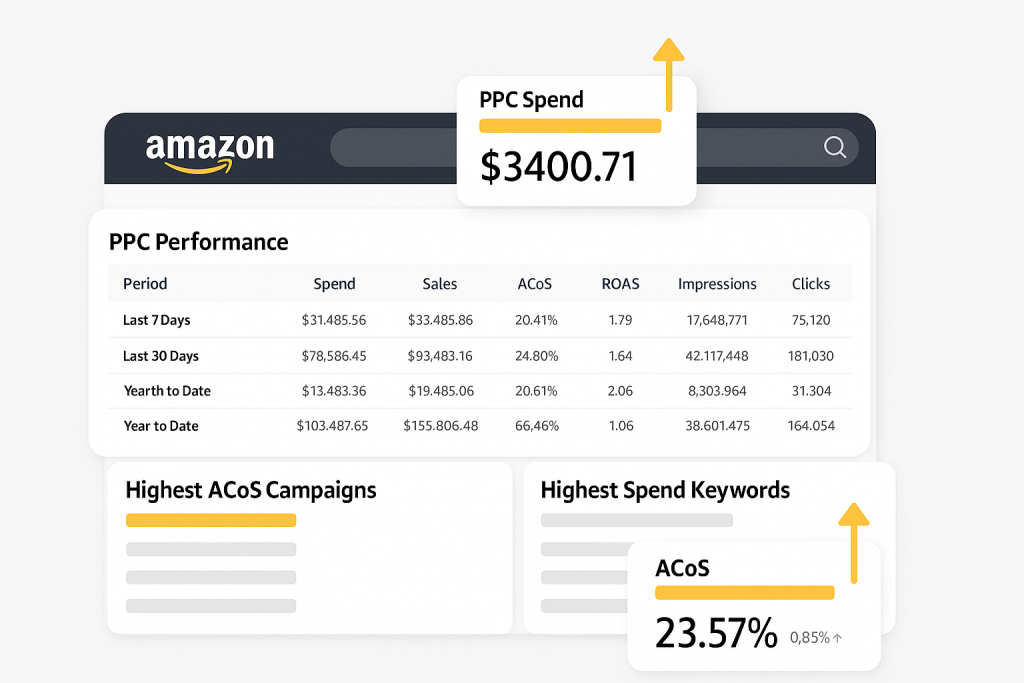
This structure also helps with reporting. When ACOS spikes on a supplement account, it’s usually concentrated in one keyword tier, not spread evenly. Isolating clusters lets you diagnose and pause the problem area without shutting down the whole campaign, something that’s much harder to do if every keyword lives in one ad group.
Step 4: Handle ASIN and brand-targeting carefully
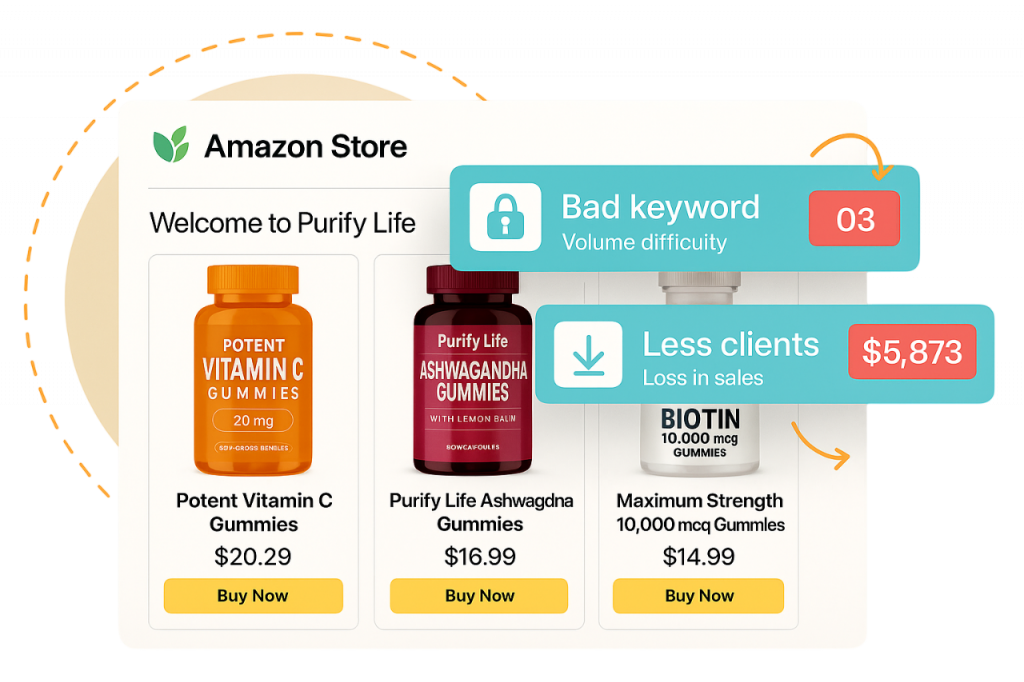
Sponsored Brands and Sponsored Display campaigns for supplements carry their own restriction layer beyond keyword targeting. Amazon reviews the creative, headline copy, and landing page (often your Store or a specific ASIN) as one unit. A compliant keyword list won’t save a Sponsored Brands campaign if the headline says “clinically proven to eliminate joint pain.”
For ASIN targeting and category targeting in Sponsored Display, the risk shifts slightly. Amazon is less strict about the targeting itself and more focused on whether your product detail page carries disqualifying claims. We’ve seen Sponsored Display campaigns run cleanly on ASINs that had Sponsored Products keywords rejected, simply because Display ads don’t require the same headline copy review.
If your brand has budget for both, we generally recommend leaning into Sponsored Display and category targeting for supplement lines with tighter compliance restrictions, since it gives you a reliable channel to keep driving impressions while you work through keyword-level approvals on Sponsored Products.
Step 5: Monitor for suppressed listings and ad disapprovals daily
Supplement accounts need tighter monitoring cadence than most categories. Set a daily check on Campaign Manager’s “Ads not running” flags and cross-reference against Account Health. A keyword disapproval is annoying but recoverable. A listing suppression tied to a compliance violation can spread to your entire catalog if it’s flagged as a pattern issue.
We run weekly compliance reviews on every active supplement account we manage, checking new disapprovals, checking whether backend search terms have drifted (sometimes updated by a well-meaning marketing team member without compliance sign-off), and checking competitor ASIN changes if you’re running product targeting against them. If a competitor updates their listing and gets flagged, sometimes ASIN targeting toward them gets disrupted too.
Document every disapproval with a screenshot and the reason code before appealing. Amazon’s appeal process for ad disapprovals in the health category moves faster when you can show the specific policy clause your copy or keyword violated and how you’ve corrected it, rather than a generic appeal request.
Common mistakes (and how to avoid them)
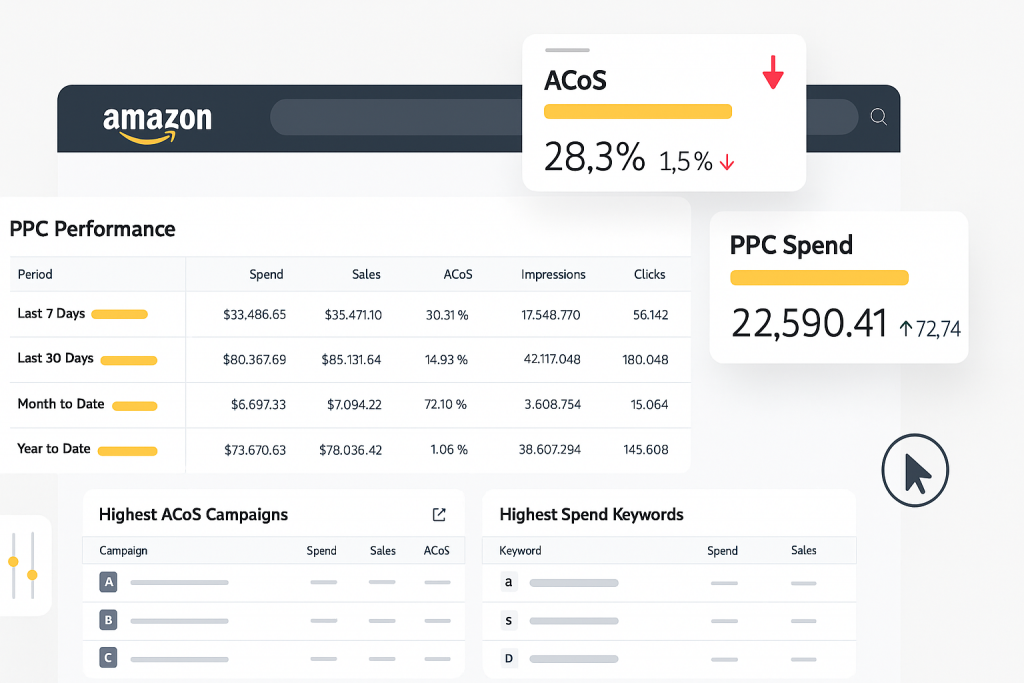
Most supplement PPC accounts we take over have made a handful of the same errors. Here’s what to watch for:
- Copy-pasting restricted terms from competitor listings. If a competitor is running “clinically proven” in their bullets, that doesn’t mean it’s compliant, it might mean their account is one audit away from suspension.
- Ignoring backend search term restrictions. Amazon reviews backend search terms too. A hidden term like “cure” in your backend keywords can suppress ad eligibility even if your visible listing is clean.
- Running broad match on unverified terms. Broad match exposes you to search query variations you didn’t intend to target, some of which carry restricted language even if your seed keyword didn’t.
- Treating one disapproval as isolated. A single flagged keyword often signals a listing-level issue. Fix the root cause in your product copy, not just the keyword list.
- Skipping compliance review after label or formula changes. If your product formulation changes, your claims often need to change too, and outdated ad copy can suddenly become non-compliant even though nothing in your PPC setup changed.
Wrapping up
PPC for health supplements on Amazon isn’t harder because the tools are different, it’s harder because the compliance layer sits on top of every targeting decision you make. Clean listing copy, a documented restricted keyword list specific to your subcategory, and tiered campaign structures are what keep supplement accounts running without constant disapproval cycles.
If you’re spending more time fighting ad rejections than actually optimizing bids and ACOS, that’s usually a sign the compliance groundwork needs a second look before the PPC strategy does. Our team at Zonpal handles exactly this combination for supplement brands through our Amazon PPC management service, where we pair compliance review with campaign structuring so you’re not troubleshooting disapprovals alone. If you want a deeper look at general campaign structuring principles before diving into a restricted category, our guide on Amazon PPC fundamentals is a good starting point, and if your listing itself needs a compliance-focused rewrite, our listing optimization service covers that groundwork directly.