Prime Day can make or break your quarter. For SMB sellers, it’s often the single biggest revenue spike of the year outside Q4, but it only pays off if your inventory, listings, and ad budgets are ready weeks in advance. A rushed Prime Day prep usually ends in stockouts, wasted ad spend, or a listing that can’t convert the extra traffic.
This checklist walks you through exactly what to do before, during, and right after Prime Day, based on how we help brands prepare their accounts for high-traffic events. Follow it step by step and you’ll walk into Prime Day with a plan instead of a scramble.
What you need before you start
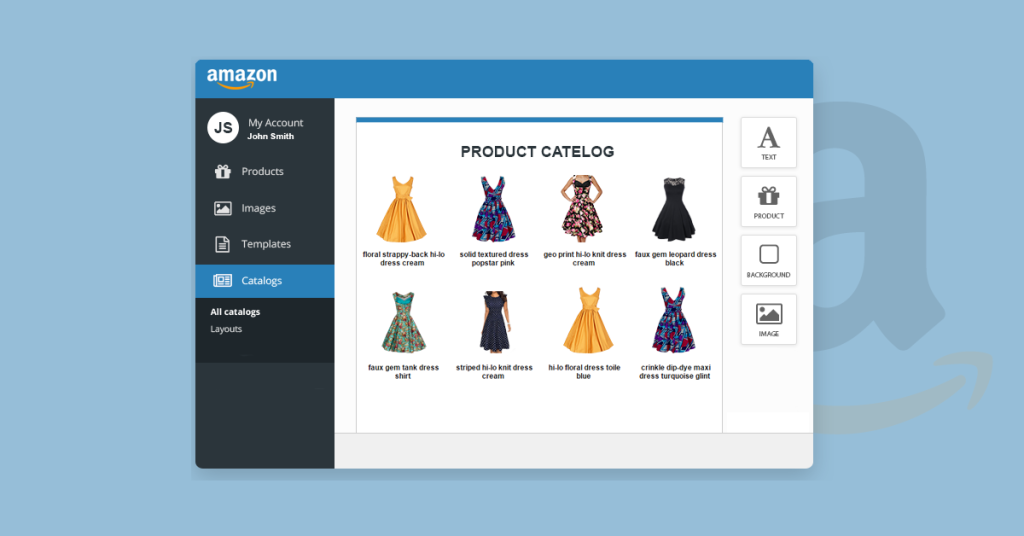
Before you touch your listings or ad campaigns, pull together a few things. You’ll need access to Seller Central reports (Business Reports, Inventory Planning, and Advertising Reports), at least 12 months of sales history if you have it, and a clear view of your current inventory levels at each FBA fulfillment center.
You also need buy-in from your supplier or manufacturer on lead times. If your reorder cycle takes 45-60 days, you need to know that number cold before you start planning Prime Day stock levels. Guessing here is how sellers end up out of stock three days into the event.
Finally, set a realistic timeline. Amazon typically announces Prime Day dates 60-90 days in advance, but your prep should start the moment you close out your previous year’s event data. If this is your first Prime Day, start planning at least 8 weeks out.
Step 1: Audit last year’s Prime Day performance
If you sold through a previous Prime Day, your own data is the best forecasting tool you have. Pull your Business Reports for the event dates last year and compare them to a normal week in the same month. Look at units sold, conversion rate, and sessions specifically on the two Prime Day dates.
We typically see conversion rates jump 2-4x during Prime Day for well-optimized listings, while traffic can spike 5-10x depending on category and deal placement. Use these multipliers against your current baseline, not last year’s baseline, since your account has likely grown or shifted since then.
If you don’t have Prime Day history, use Black Friday or Cyber Monday data instead. The surge pattern (sharp spike, fast decline) is similar enough to build a rough forecast. The goal here isn’t a perfect number, it’s a range you can plan inventory and ad budget around.
Step 2: Lock inventory and FBA capacity early

Inventory is where most Prime Day plans fall apart. Amazon sets FBA inventory capacity limits based on your Inventory Performance Index (IPI) score, and those limits tend to tighten in the weeks before major sales events as Amazon manages warehouse space across all sellers.
Check your IPI score in Seller Central under Inventory Performance. If it’s below 400 (Amazon’s general benchmark for staying out of storage limit restrictions), start cleaning up now. Remove aged inventory, fix any excess stock situations, and improve your sell-through rate before the restriction window hits.
Once you have your demand forecast from Step 1, place your Prime Day inventory order with enough buffer for your supplier’s actual lead time, not the best-case scenario they quoted you. We generally recommend ordering for 1.5-2x your forecasted Prime Day demand, since running out mid-event kills your organic ranking momentum right when it matters most.
If your supply chain is tight, this is also the moment to confirm which SKUs will actually sell through FBA versus which ones you might need to fulfill via FBM temporarily. A detailed breakdown of this tradeoff is in our guide on FBA vs FBM for Amazon sellers.
Step 3: Optimize listings for the traffic surge
Prime Day traffic is impatient. Shoppers are comparing dozens of deals at once, so your listing needs to convert in seconds, not minutes. Start with your main image: it should clearly show the product and, if you’re running a deal, the discount should be visible in your Prime Day-specific creative if Amazon’s program allows it.
Review your bullet points and make sure the first line of each one leads with the benefit, not the feature. Shoppers skimming during a sale don’t read full paragraphs. Check your A+ Content too. If it hasn’t been updated in over a year, refresh it with clearer comparison charts or lifestyle images, since A+ Content has been shown to lift conversion rates by around 3-10% depending on category.
Double-check your backend search terms and title for any seasonal keywords buyers might use during Prime Day, like “deal,” “discount,” or category-specific gift terms if applicable. Small listing tweaks here compound fast when you’re getting 5x your normal traffic.
Step 4: Build your PPC and deals calendar
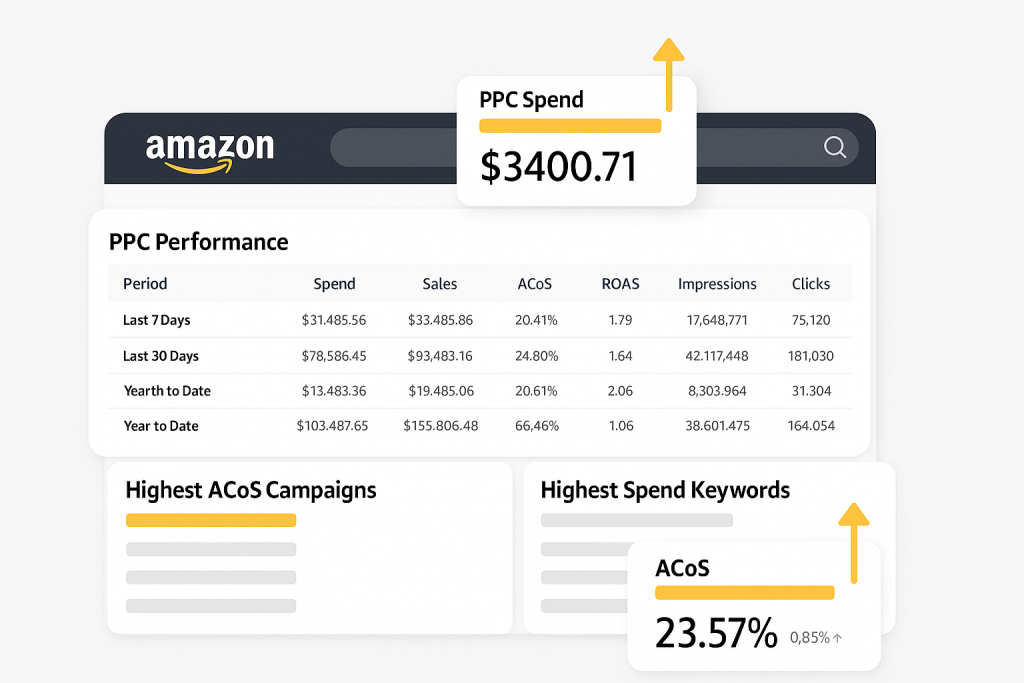
Your ad strategy for Prime Day should not be “increase budget and hope.” Build a day-by-day calendar that covers the week before Prime Day, the event itself, and the week after.
In the days leading up to the event, increase bids slightly on your top-converting keywords to build momentum in the Amazon algorithm before the surge hits. During Prime Day itself, raise your daily budgets significantly, since campaigns that hit budget caps early in the day miss out on the highest-intent traffic windows later on.
Make sure you’re not just relying on Sponsored Products. Sponsored Brands and Sponsored Display can help you capture shoppers who are comparing multiple options in your category, which is exactly the behavior Prime Day shoppers show. If you’re running a Lightning Deal or Prime Day deal badge, sync your PPC budget increases to start right as the deal goes live, not after.
Set aside time each day of the event to check search term reports and pause anything burning budget without converting. Prime Day moves fast, and a campaign that was efficient on day one can bleed money by day two if competitors adjust their own bids. If PPC management during high-traffic events isn’t something your team has bandwidth for, this is exactly the kind of work we handle for brands through Amazon PPC management.
Step 5: Prep customer service and post-event follow-up
Prime Day doesn’t end when the sale does. A spike in orders means a spike in customer questions, returns, and reviews, often arriving over the following two to three weeks. Make sure your customer service templates are ready for common Prime Day questions like shipping delays or deal eligibility confusion.
Plan your post-event inventory replenishment immediately. Many sellers sell through Prime Day stock and then face a gap before their next shipment arrives, which hurts organic rank right when the algorithm is still weighing the sales velocity from the event. Have your next PO ready to go the moment Prime Day numbers come in.
Finally, build a simple post-mortem process. Within a week of the event, pull your reports and compare actual performance against your forecast from Step 1. This becomes next year’s baseline, and it’s the single most valuable input for making your next Prime Day prep faster and more accurate.
Common mistakes (and how to avoid them)
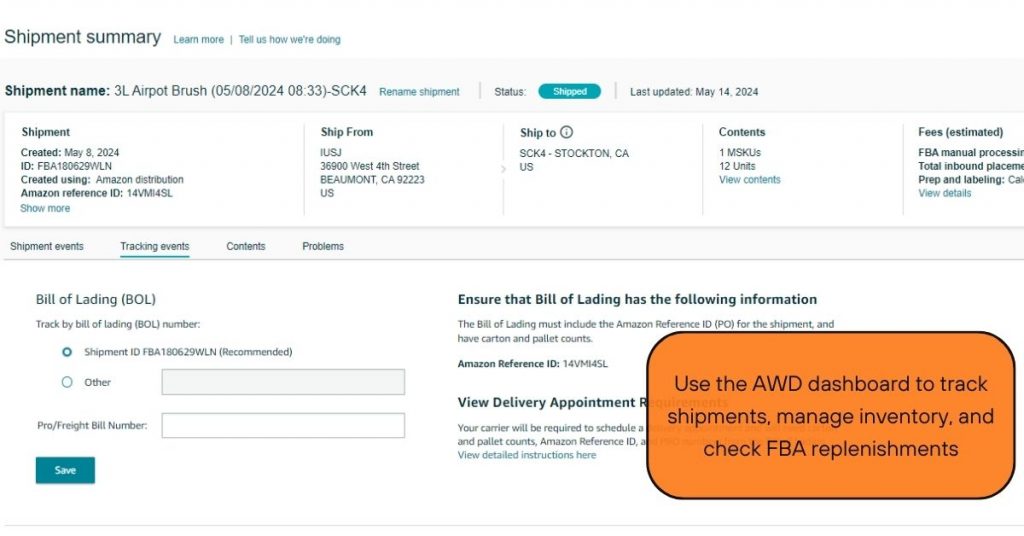
- Underestimating lead times. Sellers often plan around their supplier’s quoted lead time instead of their actual historical lead time, which leads to stockouts right before or during the event.
- Setting PPC budgets too low. Daily budget caps that worked fine in a normal week often get exhausted by midday during Prime Day, leaving your best converting hours uncovered.
- Ignoring IPI score until it’s too late. If your score drops below Amazon’s threshold right before the event, you may face storage limits exactly when you need extra inventory capacity.
- Treating Prime Day as a one-day event. Amazon’s Prime Day typically runs 48 hours, and demand patterns shift between day one and day two. Plan bids and budgets separately for each day.
- Skipping the post-event audit. Without reviewing what actually happened, you’re stuck guessing again next year instead of building on real data.
Wrapping up
Prime Day rewards sellers who plan early and punishes the ones who wing it. Lock your inventory forecast, refresh your listings, and build a day-by-day ad calendar well before the event starts. The sellers who treat Prime Day as a structured campaign, not a lucky spike, are the ones who come out of it with higher BSR and stronger organic rank for months afterward.
If managing bids, budgets, and daily optimization during a 48-hour traffic surge sounds like more than your team can handle on top of everything else, our team can take that off your plate. Check out our Amazon PPC management service to see how we help brands run Prime Day and other high-traffic events without the guesswork.