

If you’re still planning Q4 inventory in October, you’re already behind. Amazon’s busiest shopping window, from Black Friday through Cyber Monday and into the December rush, starts being decided in warehouses and factories 4 to 6 months earlier. Sellers who treat Q4 as “just order more stock” usually end up with one of two outcomes: stockouts on their best sellers in week 2 of December, or $30,000+ sitting in aged inventory come January.
This guide walks through a month-by-month timeline for Q4/BFCM inventory planning, built from what actually works inside FBA accounts we manage. By the end, you’ll have a framework to forecast demand, time your shipments, and avoid the storage and stockout traps that hit sellers every single year.
What you need before you start
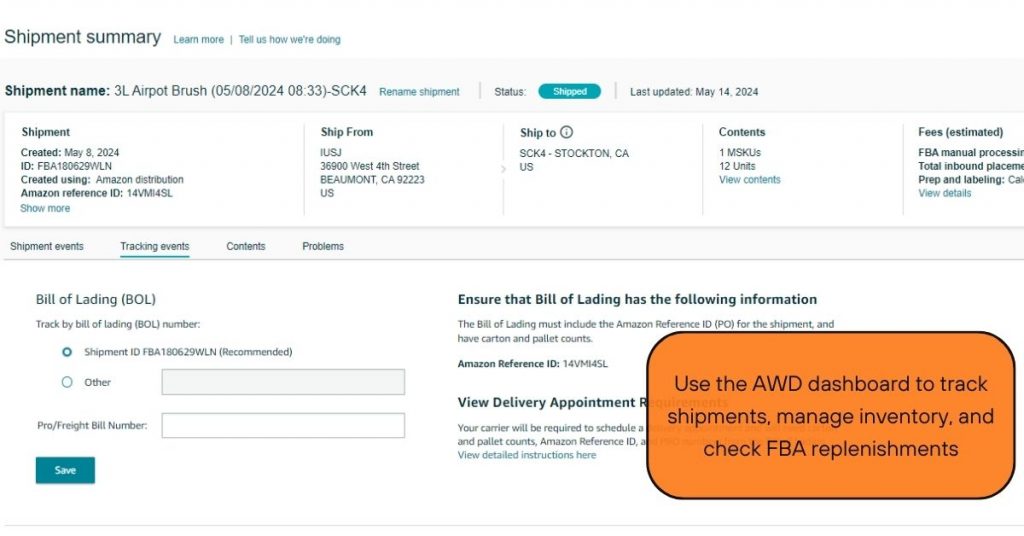
Before building a Q4 timeline, pull three things: your last 12 months of sales history by SKU, your current supplier lead times (including any holiday shutdowns), and your FBA storage utilization limits from Seller Central.
If you sell a product with any seasonality at all, your 2023 and 2024 Q4 numbers matter more than your trailing 90-day average. A single Prime Day spike in July will skew a short lookback window and lead to under-ordering for November and December.
You also need a clear view of your supplier’s actual capacity during August and September, which is when most Q4 orders in Asia get placed. Factories in China and Vietnam often run at full capacity ahead of their own holiday closures (Golden Week, Tet), and lead times can stretch from the usual 30-45 days to 60+ days if you order late.
Finally, check your Inventory Performance Index (IPI) score. A low IPI score can cap your storage volume right when you need the most space, so this needs to be addressed well before Q3 ends, not in November when it’s too late to fix.
Step 1: Build your Q4 demand forecast (June-July)
Start forecasting at least 5 months before Black Friday. For most sellers, that means late June or early July. Pull your SKU-level sales from the prior two Q4 periods and apply a year-over-year growth rate based on your current trajectory, not a flat guess.
For one home goods account we manage, we found that BFCM week alone accounted for roughly 18% of their total Q4 revenue. That single data point changed how they allocated inventory: instead of spreading stock evenly across October through December, they front-loaded units specifically for the five-day BFCM window and kept a separate buffer for December shipping-deadline sales.
A simple way to build this forecast: take your average weekly sell-through rate for the past 8 weeks, multiply by your historical Q4 uplift multiplier (often 2x to 4x for gift-category products, 1.3x to 1.8x for non-gift consumables), and build week-by-week projections from the first week of November through December 25.
Don’t forecast Q4 as one lump number. Break it into at least four windows: pre-BFCM (early November), BFCM week, post-BFCM through mid-December, and the final shipping-deadline rush. Each window needs its own inventory target.
Step 2: Set reorder points and lead time buffers (July)
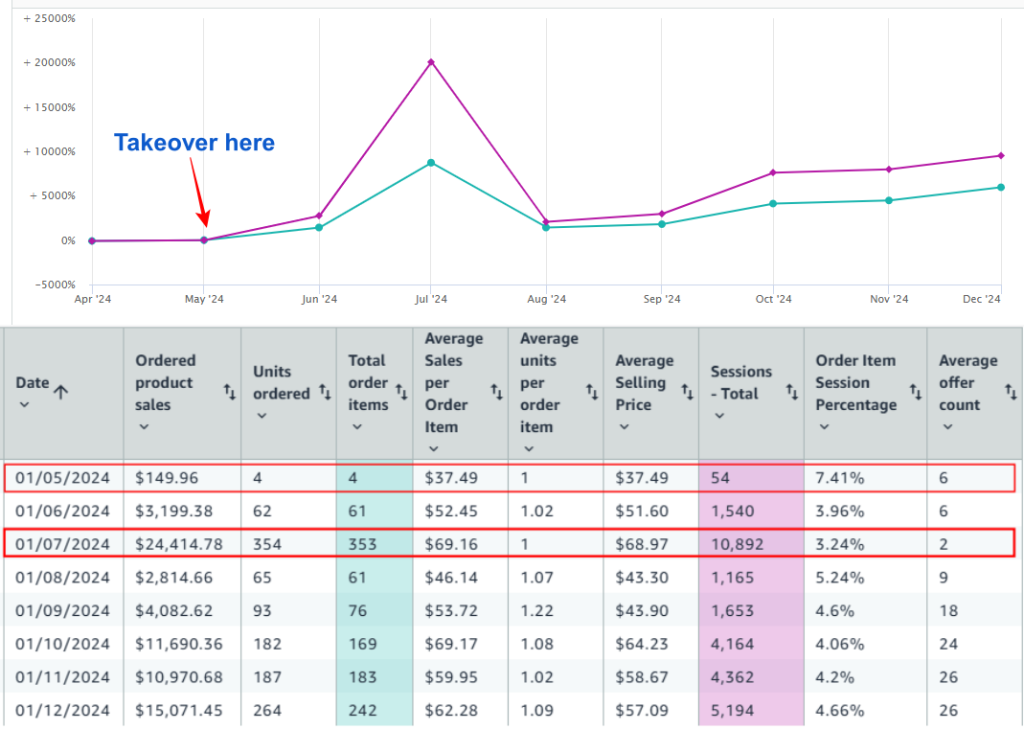
Once you have a demand forecast, translate it into reorder points that account for your real lead time, not the best-case scenario your supplier quoted you in March.
We recommend adding a 15-20% buffer on top of quoted lead times for Q4 orders specifically. If your supplier normally ships in 35 days, plan for 40-45 days during August and September when their production lines are backed up with holiday orders from multiple clients, not just you.
For sellers using Amazon’s own inventory tools, cross-check the platform’s suggested reorder quantities against your own forecast. Amazon’s algorithm looks backward at recent sales velocity, which works fine in a flat demand environment but consistently underestimates Q4 uplift for seasonal or gift-oriented products.
Set a hard reorder trigger date on your calendar, not just a unit threshold. A unit-based trigger (“reorder when 500 units remain”) can get delayed by a busy week, but a date-based trigger (“place PO by July 20 regardless of current stock”) forces the decision to happen on time.
Step 3: Lock your shipment schedule to FBA (August-September)
This is the window where most Q4 plans fall apart. August and September are peak congestion months for both ocean freight and Amazon’s inbound receiving centers, and shipment delays here have a direct line to stockouts in November.
Split your Q4 inventory into at least two shipments rather than one large batch. The first shipment should land in FBA warehouses by early October, covering your pre-BFCM baseline demand. The second should arrive by late October to cover the BFCM spike itself, giving you a buffer if the first shipment is delayed or sells through faster than expected.
If you’re shipping via ocean freight, build in extra transit time for port congestion, which tends to worsen every September as retailers across categories compete for the same vessel space. Air freight can bridge gaps for your top 2-3 SKUs if ocean timing slips, but budget for it; air freight costs can run 3-5x ocean rates per unit.
Track your shipment status daily once it’s in transit, not weekly. A 5-day delay discovered on day 1 is manageable. The same delay discovered on day 20 often means missing your BFCM window entirely.
Step 4: Manage storage limits and IPI score (September-October)

Amazon enforces storage utilization limits based on your IPI score, and these limits tend to tighten right before Q4 when every seller is trying to push in more inventory at once.
If your IPI score sits below 450-500 (Amazon’s general threshold for restrictions, which can shift by category and time of year), start addressing it in September. Clear aged inventory through removal orders or discounted liquidation, and avoid overstocking slow-moving SKUs that drag your score down.
Prioritize storage space for your top 20% of SKUs by revenue. If space gets tight, it’s better to run slightly lean on a slow mover than to lose storage capacity for your best seller during BFCM week.
Check your storage fee structure too. Amazon’s Q4 storage fees (October through December) run meaningfully higher than the rest of the year, so sitting on excess stock during this window costs more than it does in Q2 or Q3. Factor that into how aggressively you order.
Step 5: Build your BFCM pricing and ads calendar (October)
Inventory planning and advertising planning need to happen together, not separately. If you’re increasing ad spend for BFCM but haven’t matched it with enough inventory, you’ll burn budget driving traffic to a listing that goes out of stock mid-sale.
Map out your planned ACOS and budget increases week by week against your inventory position for each SKU. A common approach: increase ad spend 20-40% in the two weeks leading into BFCM to build momentum, then push harder during the actual BFCM window only for SKUs with confirmed stock depth to support the sales velocity increase.
For lightning deals or Coupons, submit your BFCM deal applications well ahead of Amazon’s deadlines, which typically fall in September for November events. Deals that get approved but aren’t backed by enough inventory create the worst version of a stockout: one that happens in front of a much larger audience than usual.
If pricing and promotions aren’t your strongest area, this is also where working with a team that handles Amazon PPC management alongside inventory planning tends to pay off, since the two decisions are tightly linked during Q4.
Step 6: Monitor and adjust in real time (November-December)
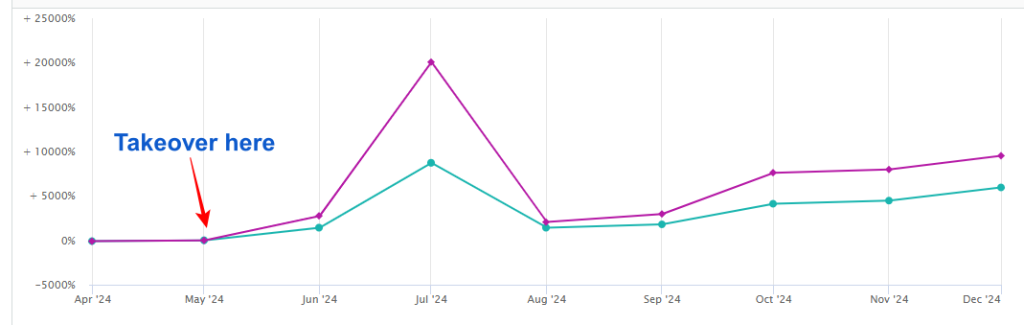
Once BFCM week starts, your plan shifts from “build the forecast” to “react to actual velocity.” Check sell-through data daily, not weekly, for your top SKUs during the five days from Thanksgiving through Cyber Monday.
Set alert thresholds in advance: if a SKU sells through 50% of its BFCM allocation in the first 48 hours, that’s your signal to check whether an emergency air shipment or FBA-to-FBA transfer makes sense before you run out entirely.
Watch your buy box percentage closely too. Stockouts don’t just cost you sales during the gap, they also cost you ranking and buy box share that can take weeks to recover even after you’re back in stock.
Keep a running log of what’s selling faster or slower than forecast. This data becomes the baseline for next year’s Q4 planning, and sellers who track it consistently tend to tighten their forecast accuracy by a meaningful margin year over year.
Common mistakes (and how to avoid them)
- Ordering based on last month’s sales instead of last year’s Q4: Recent velocity doesn’t capture seasonal demand. Always anchor to prior-year Q4 data when it exists.
- Treating BFCM and the rest of Q4 as one forecast period: BFCM week often has a demand multiplier 2-3x higher than the rest of November and December combined for gift-category products. Forecast it separately.
- Waiting until October to place Q4 purchase orders: By October, factory capacity and ocean freight space are already constrained. July and August are the real decision months.
- Ignoring IPI score until storage limits hit: Fixing a low IPI score takes weeks, not days. Address it in September, not November.
- Scaling ad spend without checking inventory depth first: Driving traffic to an out-of-stock listing wastes budget and can hurt your ranking.
Wrapping up
Q4 inventory planning isn’t about one big decision made in October. It’s a sequence of smaller decisions made from June through December, each one dependent on the one before it. Forecast early, buffer your lead times, split your shipments, protect your storage capacity, and keep ads and inventory in sync.
If managing this timeline alongside the rest of your account feels like more than your team can track in-house, our Amazon account management services cover exactly this kind of cross-functional planning, from inventory forecasting to PPC coordination during Q4. Reach out when you’re ready to build next year’s timeline with a team that’s already run this playbook across dozens of accounts.